Build better
product pages
Add trust, urgency, product details, icons, tables, coupons, and more to any Shopify product page - directly inside the theme editor.
No code. No paid plan. No lock-in.
Explore
the blocks
Turn a plain page into a polished, trust-building buying experience — no code, in minutes.
Browse the blocks included with Krown Product Blocks. Each one is designed to solve a small but common product-page need.
F.A.Q.
Everything you need to know before adding Krown Product Blocks to your store.
Is Krown Product Blocks really free?
Yes. Krown Product Blocks is free to install and use. There is no paid plan, no trial, and no usage limit.
Which Shopify themes does it work with?
Krown Product Blocks works with Shopify Online Store 2.0 themes that support app blocks. You can add the blocks directly inside the Shopify theme editor.
Do I need to edit code?
No. The blocks are added and customized from the Shopify theme editor. You can add, reorder, configure, and remove blocks without editing theme files.
Will the blocks match my theme design?
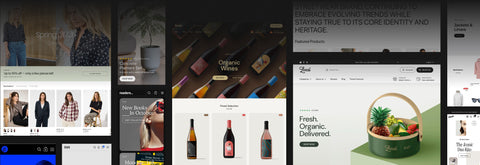
The blocks are designed to feel clean and theme-friendly. They are built to sit naturally inside your product page, instead of looking like heavy third-party widgets.
What blocks are included?
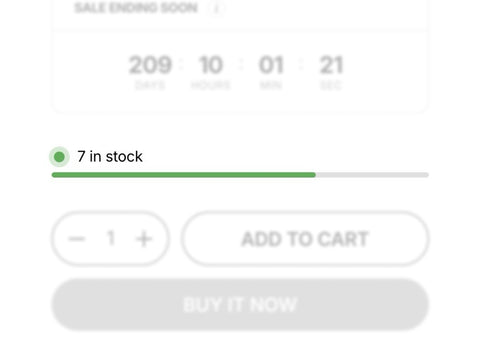
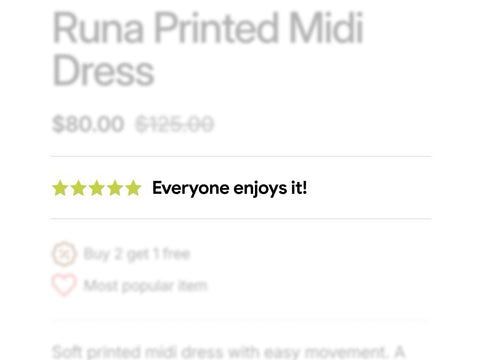
Krown Product Blocks includes blocks for icons, collapsible tabs, sticky add to cart, information tables, coupon codes, inventory, star ratings, payment icons, text banners, product lists, product siblings, attribute meters, custom properties, countdown timers, and dividers.
Can I use more than one block on the same product page?
Yes. You can use one block or combine multiple blocks on the same product page. For example, you can add icons, a coupon code, inventory status, product details, and a sticky add to cart on the same template.
Can I show different blocks on different products?
Yes, depending on how your theme and product templates are set up. You can create different product templates in Shopify and add different blocks to each one.
Does the app use metafields?
Some blocks are designed to work well with structured product information, including use cases where metafields are useful — for example product attributes, technical details, or reusable product data.
What happens if I uninstall the app?
If you uninstall the app, the app blocks will no longer appear on your storefront. You do not need to manually remove code from your theme.
Who built Krown Product Blocks?
Krown Product Blocks is built by Krown Themes, the team behind award-winning Shopify themes and premium storefront experiences since 2015. The app brings the same focus on clean design, flexibility, and merchant-friendly setup to a free Shopify app.
Created by
Krown Themes
Built by the team behind award-winning Shopify themes, creating premium storefront experiences since 2015.
Krown Product Blocks brings the same focus on clean design, flexibility, and merchant-friendly setup to a free Shopify app.